Your whole net worth. Only on your computer.
Bank accounts, investments, crypto, property, loans and insurance in one encrypted database on your computer.
Free and open source (AGPL-3.0) · Version 0.10.0 · beta for 1.0
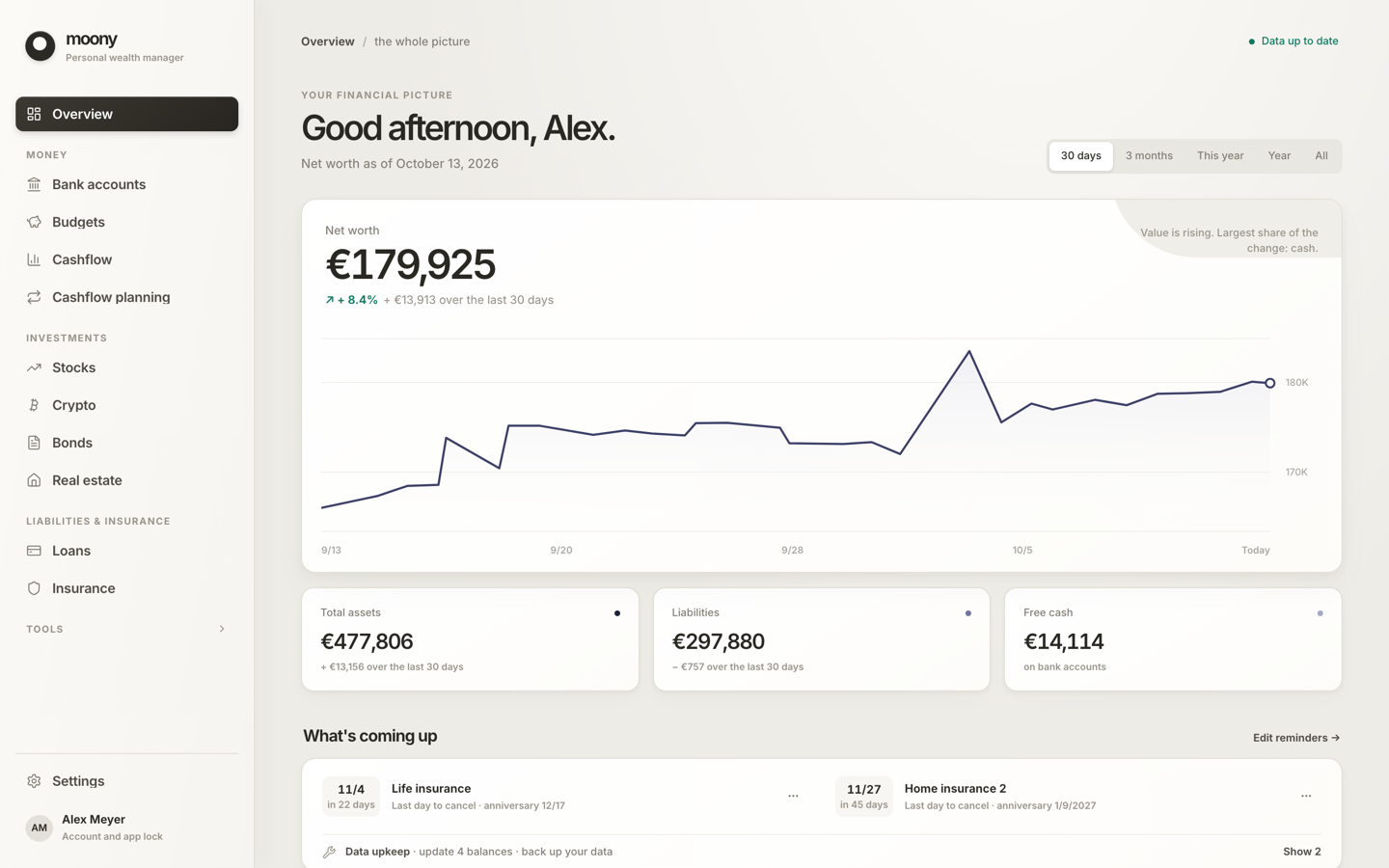
Sample profile
One number for everything
Net worth across everything you own and owe.
- Deadline and maturity reminders
- Main currency from 36 currencies
- History from 30 days to all time
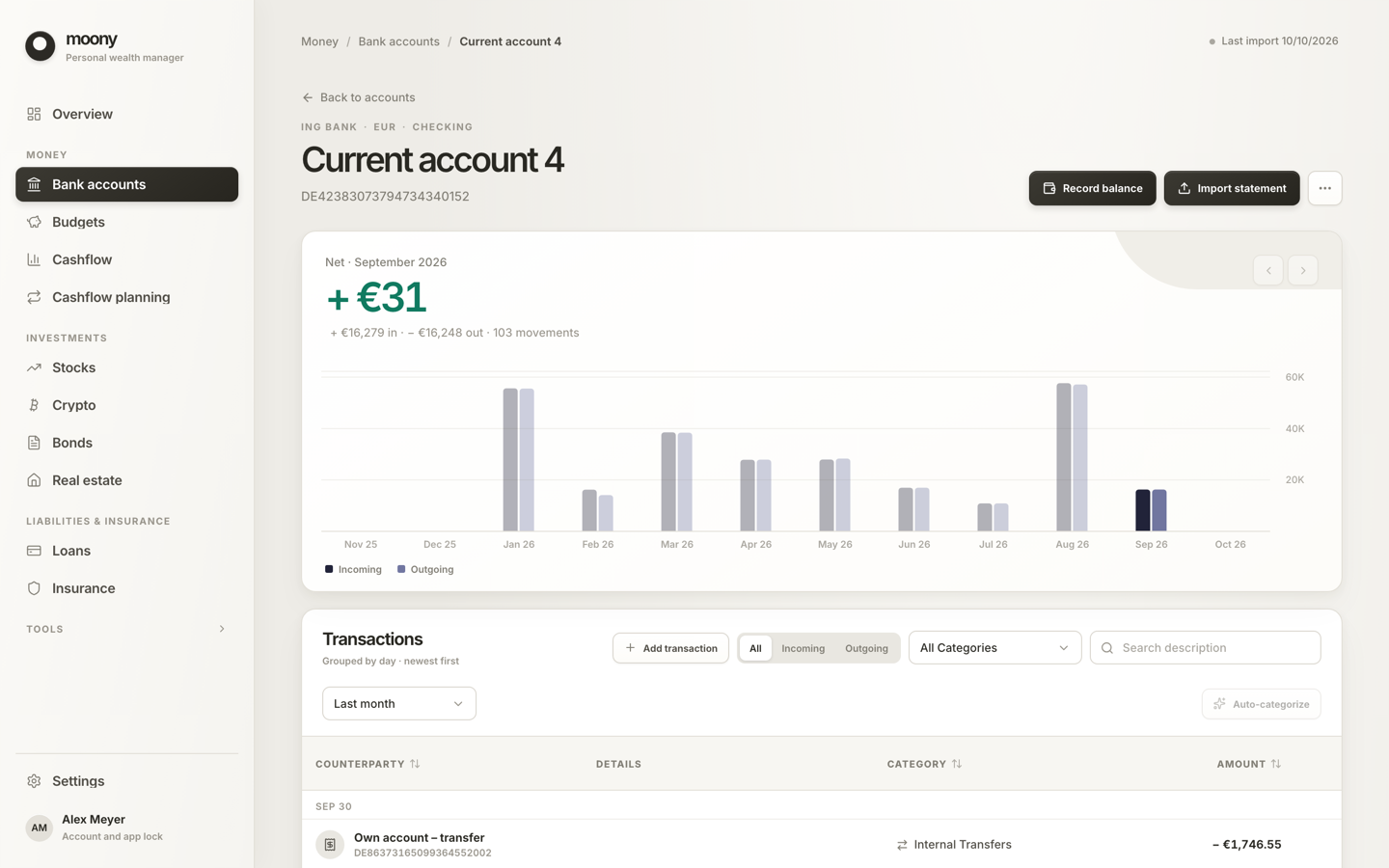
Statements in, a categorized ledger out
Import a bank CSV; 16 bank presets, column detection for the rest.
- Duplicates skipped, imports undoable
- Rules learned from your choices
- Balance history and monthly flows
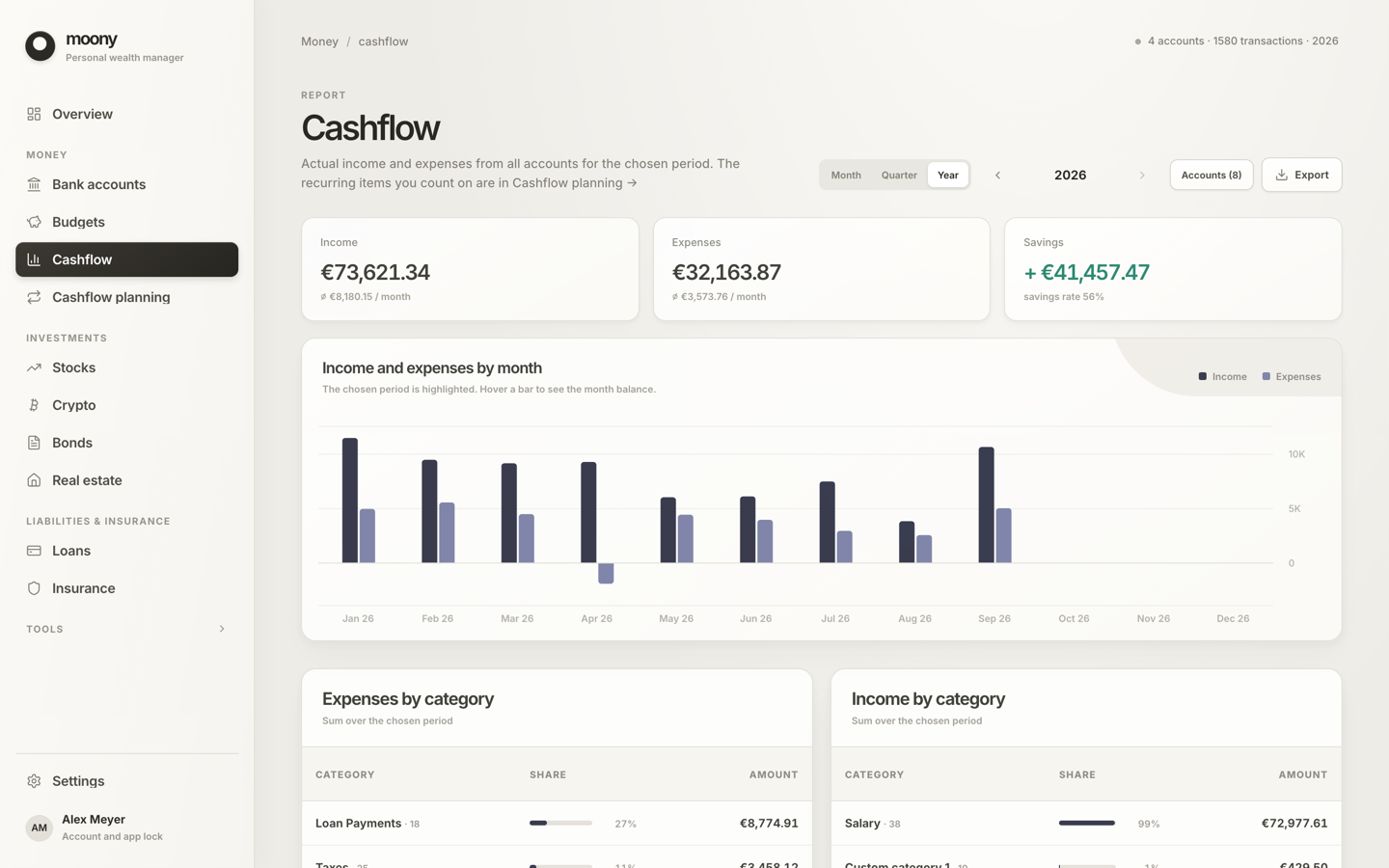
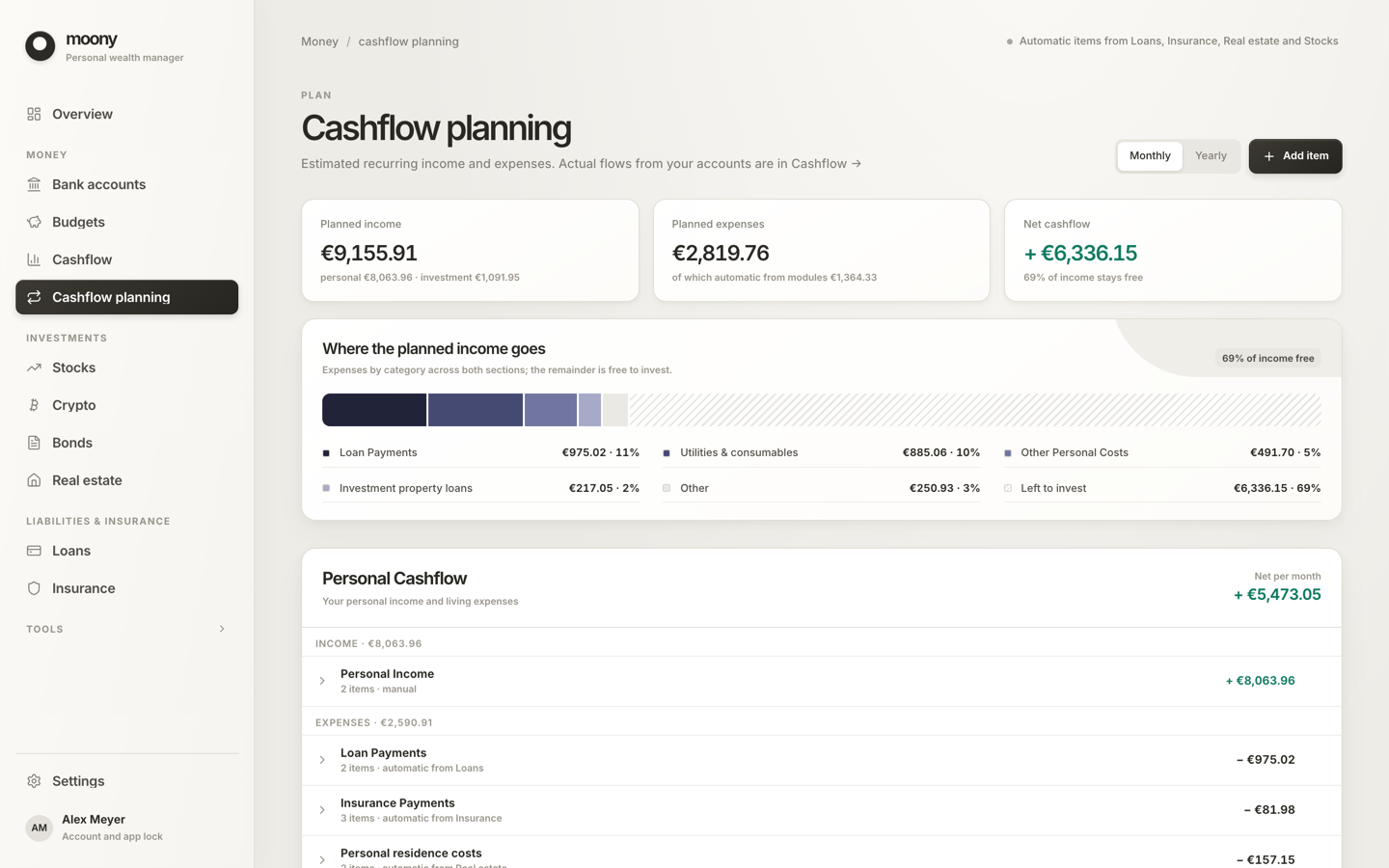
Where the money went, and where it will go
A report by period and category, and a plan ahead.
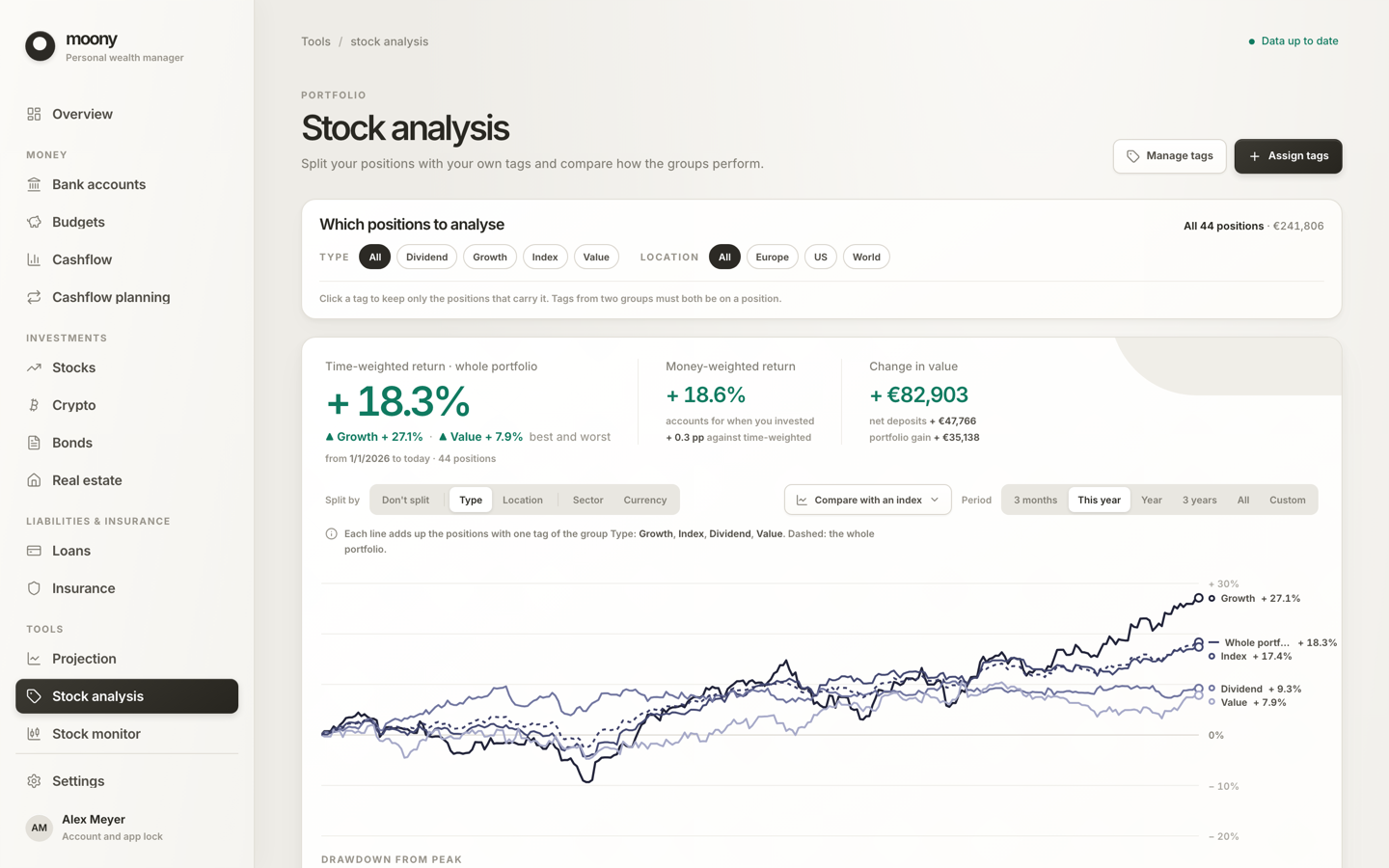
Investments with honest returns
Time-weighted and money-weighted return, drawdown, deposits against gains, positions split by tag.
- Stocks and ETFs with live prices
- Crypto with CoinGecko prices
- Broker exports: XTB, Trading 212, Degiro, Interactive Brokers
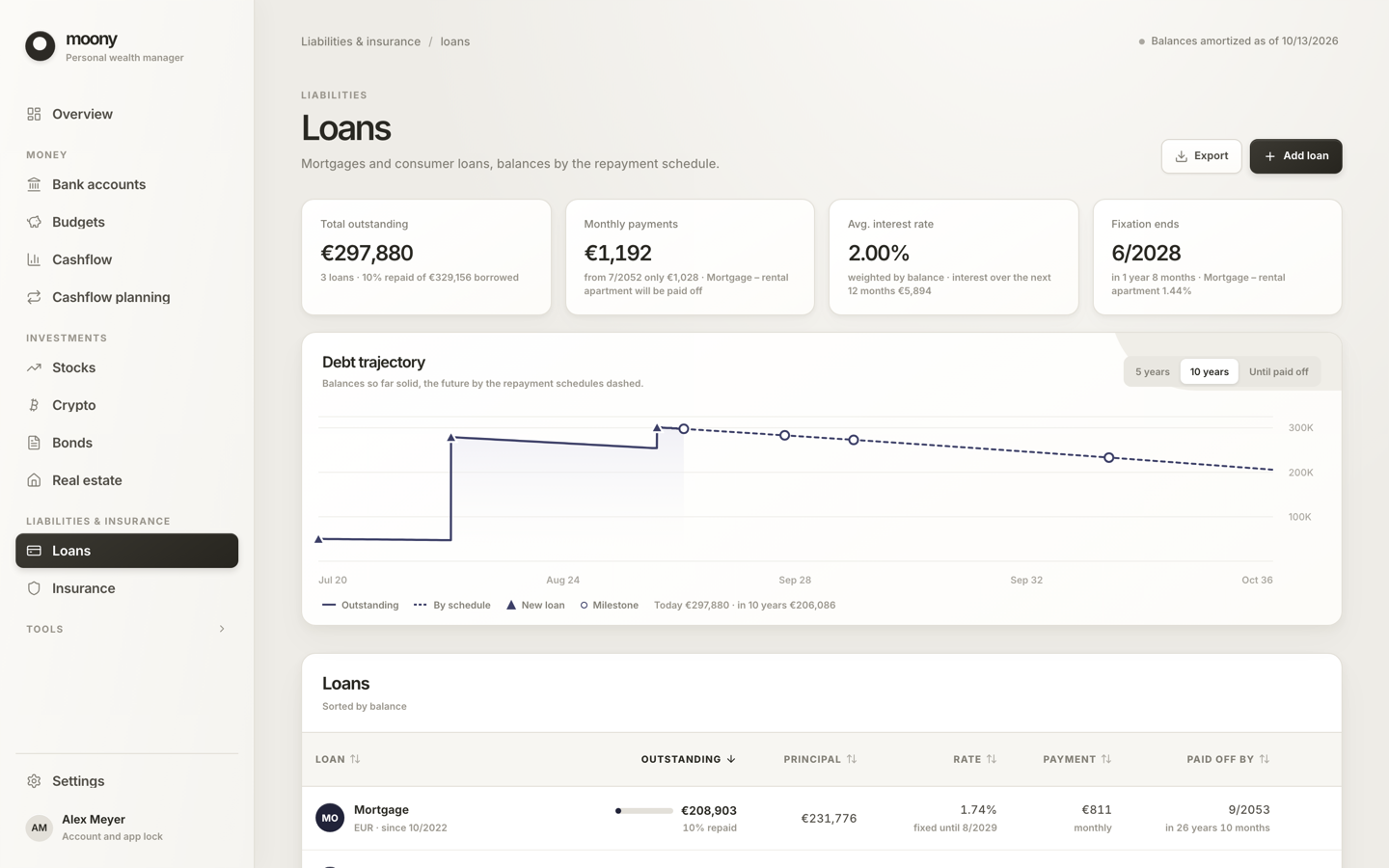
The other half of the balance sheet
Property valuations and costs, loan schedules, insurance payment calendar.
What it tracks
- Bank accountsStatements, rules
- BudgetsMonthly limits
- CashflowReport and plan
- Stocks and ETFsReturns, dividends
- CryptoHoldings, history
- Real estateValues, rent, costs
- Bonds and other assetsCoupons, maturities
- LoansSchedules, extra payments
- InsurancePayment calendar
10 languages · 45 currencies · 16 bank presets
What leaves your computer
No balances, no names
Only prices, exchange rates and the update check go online; the price services see the ticker symbols and coin IDs you track, never amounts or names.
Encrypted on disk
AES-256 database. Attachments and the JSON export are plain; add full-disk encryption.
Your keys, your copies
Recovery key, one-file backup, JSON export.
The complete list, written to be checked against the code →
Every request also reveals your IP address to the service that receives it, as any internet request does.
Connect an AI assistant to your finances
Claude or another MCP client can read and change your data through a local server. The client processes it, usually in its provider's cloud.
claude mcp add --transport http moony http://127.0.0.1:41414/mcp --header "Authorization: Bearer <token>"Install it. There is no sign-up after.
Version 0.10.0 · released 12 October 2026 · What changed →
macOS
Not signed by Apple yet. If macOS calls the app damaged, run xattr -cr /Applications/Moony.app once.